.jpg)
Managing Additional Users
Once you've invited multiple user to your Vesta organization page, here is how you can manage them. Need to learn how to add users? Click here to see how!
Resend Invite
If you're team member didn't receive the invite in their inbox, then:
- Select the correct organization in Vesta
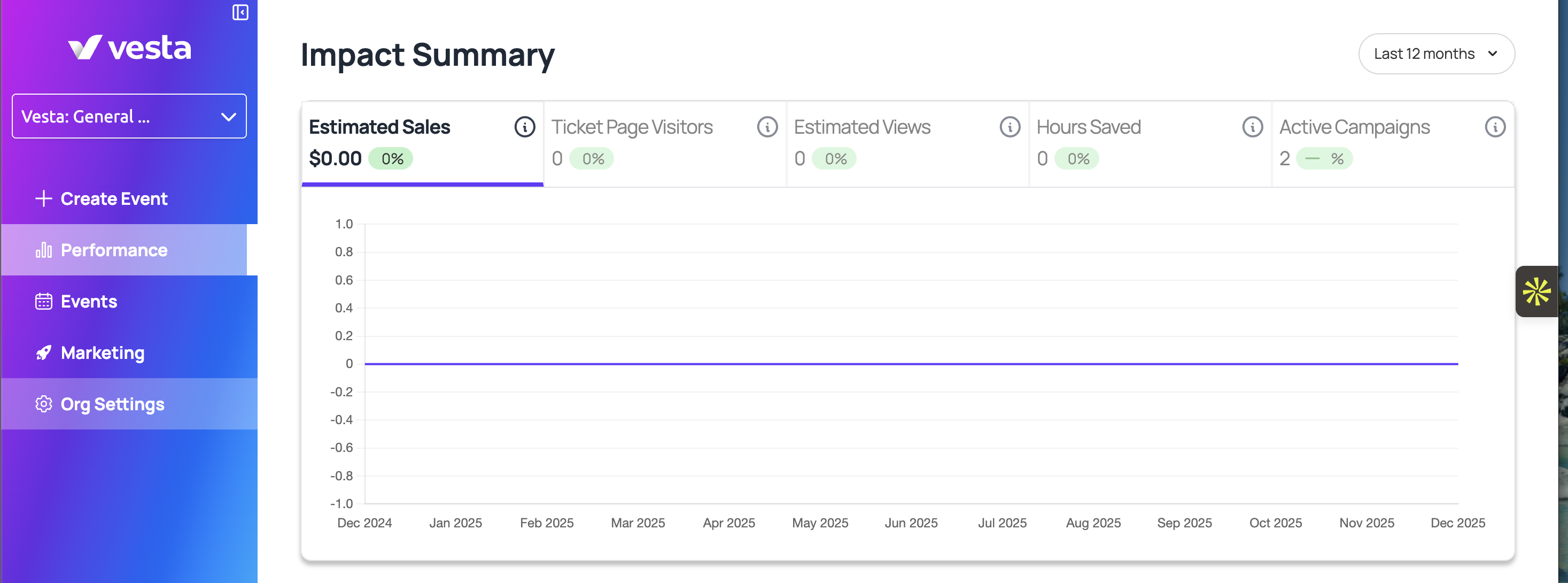
- Open More in the left navigation, then choose Org Settings.
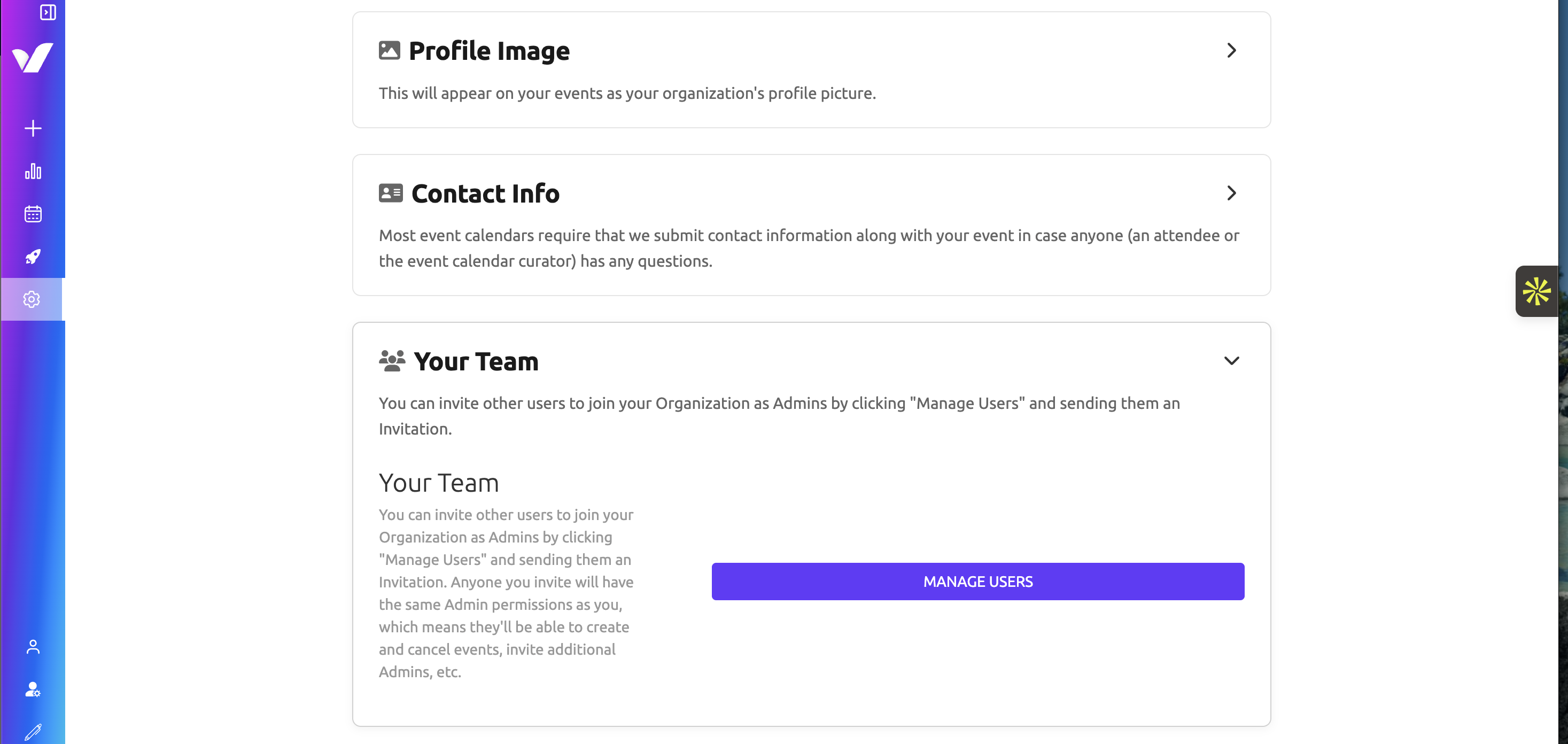
- Click "Your Team" and "Manage Users"
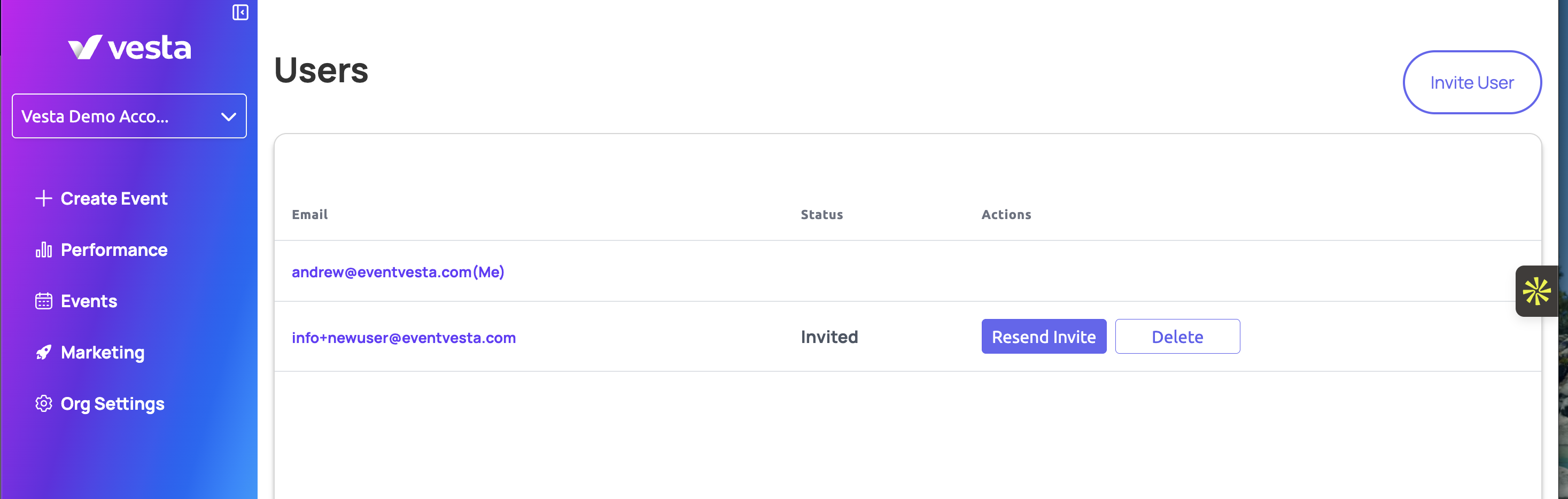
- Then for the user you're trying to get invited, click "resend invite" to re-invite them to your Vesta organization!
- Invitations are time limited though, so if you encounter any errors when re-sending invitations, please reach out to support@eventvesta.com so they can help.
Remove Users
If you need to remove a user, then:
- Select the correct organization in Vesta
- Open More in the left navigation, then choose Org Settings.
- Click "Your Team" and "Manage Users"
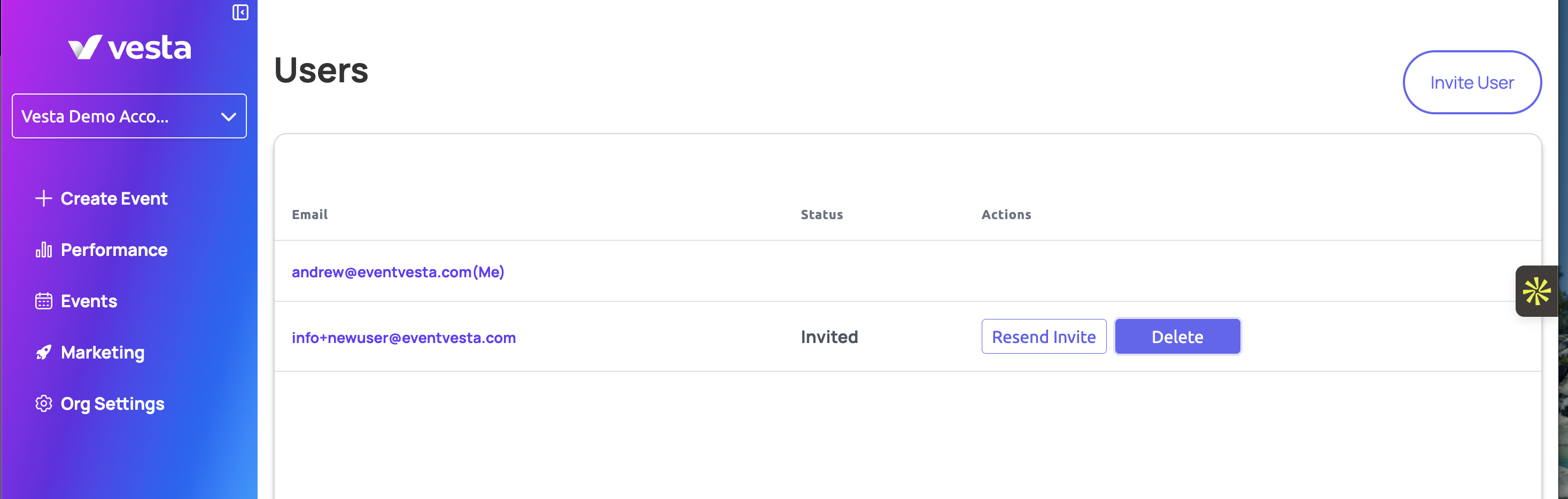
- Then click "Delete" to remove them!